Claude for Service Business: What is Claude, and how does it differ from other AI tools?
By now, you have probably heard "you should be using AI" more times than you can count. Maybe you have tried ChatGPT once or twice. Some of it felt useful. Some of it felt like the tool was giving you something technically correct but completely off-brand, the kind of response you would never actually send to a client.
Then someone mentions Claude. You are not sure if it is worth switching, worth learning, or even worth the 20 minutes it would take to find out.
This article gives you a plain answer. No jargon, no hype. Just what Claude is, how it compares to the tools you may already know, and whether it is worth your time as a service business owner.
An explanation of what AI assistants do
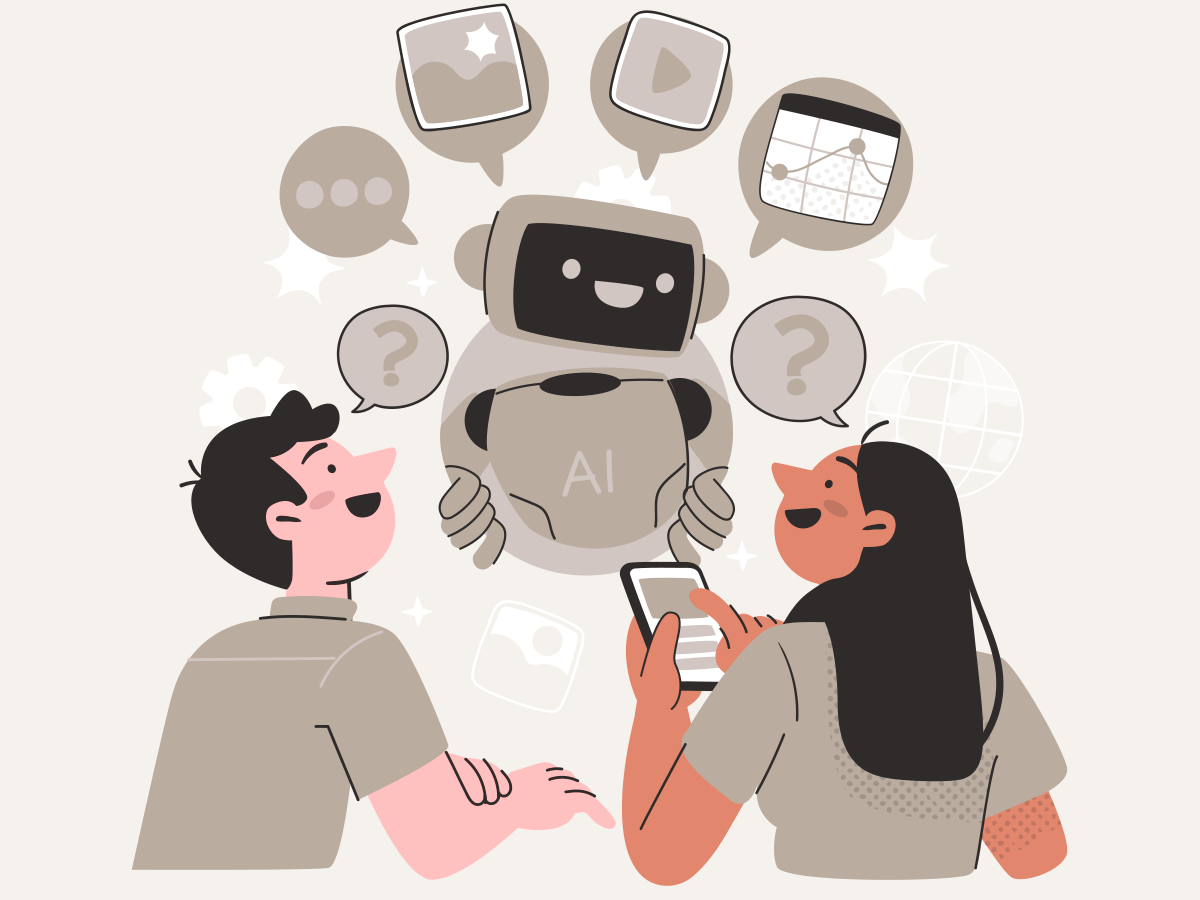
Think of an AI assistant as a highly capable colleague who has read an enormous amount of text: articles, books, business documents, conversations, instructions. When you give it a task, it draws on everything it has absorbed to produce a response in whatever format you ask for. An email, a list, a plan, a summary. It responds to your input, in your context, in the format you specify.
What all AI assistants have in common is this: they generate responses based on what you give them. They do not think independently. They do not know your business, your clients, or your situation unless you tell them. And they are only as useful as the instructions you provide.
Claude, ChatGPT, and Gemini are all doing the same fundamental job. The differences are in how they do it and how well they handle the specific things you need.
What is Claude specifically?
Claude is an AI assistant built by Anthropic, a US-based AI safety company founded in 2021. Anthropic was started by researchers who wanted to build AI systems that are safer, more honest, and more predictable in how they behave.
That focus shapes how Claude works in practice. It is designed to be transparent when it is uncertain, less likely to give confident-sounding answers that are actually wrong, and better at following complex, multi-part instructions without drifting off course.
Claude is available at claude.ai. The free plan covers most everyday tasks. A paid Pro plan is available for higher-volume use and access to more powerful versions of the model.
Its core strengths are tone awareness, long-form reasoning, and instruction-following. If you need something that sounds like you wrote it, can work through a nuanced problem with you, or can process a long document without losing track of the details, Claude is built for that.
How Claude compares to ChatGPT and Gemini
This is not a ranking. All three tools are capable, and all three have a free plan. The right choice depends on what you are trying to do and what you are already using.
| Criteria | Claude | ChatGPT | Gemini |
|---|---|---|---|
| Best for | Nuanced writing, tone-matching, long tasks | Broad tasks, wide plugin library, existing OpenAI users | Google Workspace integration, search-connected tasks |
| Tone quality | High, especially for client-facing copy | Good, can feel generic without careful prompting | Functional, stronger on factual queries |
| Honest about its limits | Yes, flags uncertainty consistently | Variable | Variable |
| Free plan | Yes | Yes | Yes |
A photographer who already lives inside Google Docs and Gmail might find Gemini easier to work with day to day since it connects directly to those tools. A consultant writing client proposals who needs responses that hold a consistent professional tone would likely get better results with Claude.
A business owner who has been using ChatGPT for months and has built up a library of prompts may not need to switch at all.
The best tool is the one you will actually use consistently. This series focuses on Claude because it tends to produce the strongest results for client-facing writing and business problem-solving. Where another tool is a better fit, we will say so.
Where Claude tends to outperform for service businesses
Writing client-facing messages that sound like you
Most AI tools produce responses that are polished but impersonal. They read like they were written by a tool, not a person. That works fine for internal documents, but it creates a disconnect when you are sending something to a client who already knows your voice.
Claude follows detailed tone instructions better than most. You can give it three examples of emails you have previously written and tell it to match that style going forward. It holds that consistency across a long response in a way that other tools often do not.
An event coordinator used this approach to handle all initial client inquiry responses. She gave Claude her three best inquiry emails as examples and a one-paragraph description of her communication style. Her clients noticed nothing different. She saved about three hours a week.
For professional service firms, the same logic applies. A consultant whose proposals need to reflect a specific brand voice, or an accountant whose client communications need to balance warmth with precision, will find Claude easier to direct than a tool that defaults to generic business language.
Working through a problem, not just completing a task
Where many AI tools are strong at completing a task you hand them, Claude is particularly good at thinking through a problem with you. You describe the situation, the constraints, and what you are trying to decide, and it helps you work through the options.
A fitness studio owner was not sure how to restructure her membership pricing. She described her current packages, her client base, and her revenue goals.
Claude mapped out three pricing scenarios, outlined the tradeoffs of each, and flagged the risks she had not considered. She did not get one answer. She got a framework for making the decision herself.
The same approach works for service firms evaluating whether to take on a new client type, restructure a service offering, or plan capacity for a busy season.
Handling long documents without losing context
Claude has one of the largest context windows of any AI assistant available today. That means it can read and work with long documents without losing track of what was said earlier in the conversation.
In practice, you can paste in a long client contract and ask it to flag any terms worth reviewing. You can upload a multi-page intake form and ask it to summarise the key details before a client call. You can share a long email thread and ask it to draft a response that accounts for everything discussed.
For professional services firms handling lengthy proposals, reports, or client documents, this is one of Claude's most practical advantages.
What Claude is not
It is worth being clear about this before you go any further.
Claude is not a search engine.
It does not browse the web in real time. If you need current information, such as recent news, live pricing, or today's search results, you need a tool with web access or you need to provide that information yourself.
It is not always right.
Claude can and does make mistakes, sometimes confidently. Always review what it produces before sending it to a client or using it in a client-facing context.
It is not a replacement for your expertise.
It does not know your clients, your market, or the specific nuances of your business unless you tell it: the more context you give it, the better the output.
It is not a shortcut that removes the need for clear thinking.
The quality of what you get out depends almost entirely on the quality of what you put in. How to write instructions that actually get results is covered in full in Article 4 of this series.
How this series is structured
This series walks you through everything you need to use Claude effectively in your business.
What it can and cannot do.
How to write prompts that work.
Real workflows for operations, marketing, and client experience.
How to use other tools alongside it when Claude is not the right fit.
Next in this series: What Claude cannot do: honest limits for service business owners →
Start here to take action today
Download the Claude Starter Pack: 25 ready-to-use prompts for service businesses across operations, marketing, and client experience, plus a one-page guide on when to use Claude and when to reach for a different tool.
Ready to go further?
If you want more prompts, there are two options depending on where you need the most help right now.
The AI Social Media Prompt Library gives you 100+ Instagram and TikTok prompts across six content categories, for businesses that need consistent content without spending hours writing from scratch.
The AI Prompt Library gives you 210 prompts across operations, marketing, client experience, and strategy. For businesses that want prompts for every function, not just content.
AI-Enhanced Service Business Operating System (OS)
Everything in the series connects to one complete system. The AI-Enhanced Service Business OS is the full playbook: templates, prompts, and a 30-day implementation roadmap organized by business function. The articles here give you the foundation. The OS gives you the tools to run it.
Both libraries are included as bonuses in the OS. If you know you want the complete system, the OS is the better value. If you want to start with prompts only, either library credits in full toward the OS within 30 days.
CLAUDE FOR SERVICE BUSINESS: 10 PART SERIES
Claude for Service Business: What is Claude, and how does it differ from other AI tools? →
What Claude Cannot Do: AI Limits Every Service Business Owner Should Know →
How to Write Claude Prompts that Produce Optimal Results for your Service Business →
How to use Claude to Efficiently Manage Service Business Operations →
Using Claude for Marketing Content without Sounding like a Robot →
How to Use Claude to Deliver a Better Client Experience in Your Service Business →
Using Claude with Other AI Tools: A Practical Guide for Service Business →
Top Courses for Claude and Other AI Tools for Service Business →
Advance Claude: Custom Instructions and Saved Workflows for Service Business →