
INSTANT ACCESS · PPC & PAID ADS SERIES
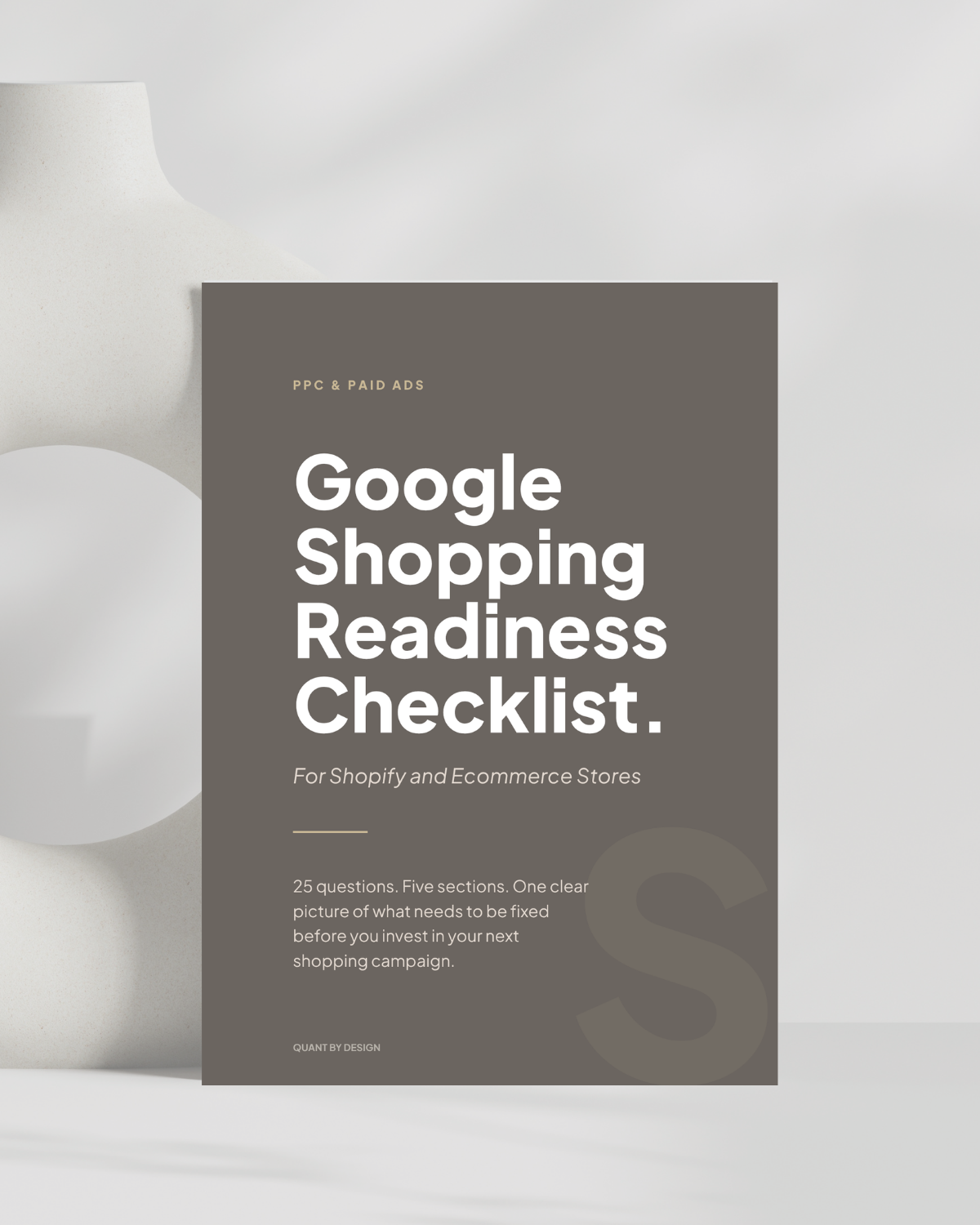
Google Shopping Readiness for Shopify and ecommerce stores.
A Google Shopping campaign built on an unoptimized product feed will underperform regardless of the budget. These 25 questions across five areas tell you what is ready and what needs fixing before you invest in your next Shopping campaign.
Who this is for
If you are ready to make Shopping work.
If you run a Shopify store and you are considering Google Shopping for the first time, or you have tried it before and the results were unclear, this checklist is for you. You will get the most out of it if you:
Shopify Stores
Product-based businesses
Shopify stores selling physical products: skincare, candles, apparel, homeware, food products, and any product-based business ready to generate consistent sales through Google Shopping.
Ecommerce Stores
Other platforms welcome
The checklist applies to WooCommerce, Squarespace Commerce, BigCommerce, and other ecommerce platforms. Some Merchant Center setup steps reference Shopify-specific tools. The underlying principles apply everywhere.
Why it matters
Most Shopping campaigns underperform for the same reasons.
Google Shopping puts your products in front of buyers who are actively searching for them. Unlike Google Ads for lead generation, there is no ad copy to write, no landing page to worry about. The products speak for themselves, if the feed is set up correctly.
That last part is where most stores go wrong. The product feed is the foundation of every Shopping campaign. It is the data you send to Google that tells it which searches should trigger your products. If the titles are weak, the descriptions are thin, or the attributes are missing, Google cannot match your products to the right searches, regardless of how much you bid.
The second most common issue is Merchant Center configuration. Shipping settings that do not match the Shopify checkout, a missing return policy, or unresolved feed errors do not just lower your Quality Score. They cause your products to be disapproved and stop showing entirely.
These are not optimization problems. They are setup problems. The checklist identifies them before your campaign launches, so your budget goes toward actual buyers rather than being spent on a broken foundation.
What you get
Everything in the checklist.
◎
25 scored questions
Five sections covering the areas that determine whether a Google Shopping campaign will generate consistent product sales or spend without returning. Each question scores your store's readiness before a dollar is committed.
◈
A section-by-section scoring guide
Your lowest-scoring section is your highest-priority fix. The guide tells you what each score range means and what to do about it: whether that is optimizing your product feed yourself or getting your Merchant Center configuration reviewed before you spend.
◉
A clear next step
Based on your score, the checklist tells you whether your store is ready to launch a Shopping campaign, what to fix first, or whether your store needs foundational work before paid traffic makes sense.
Related reading
While you are here, read these next.
Questions